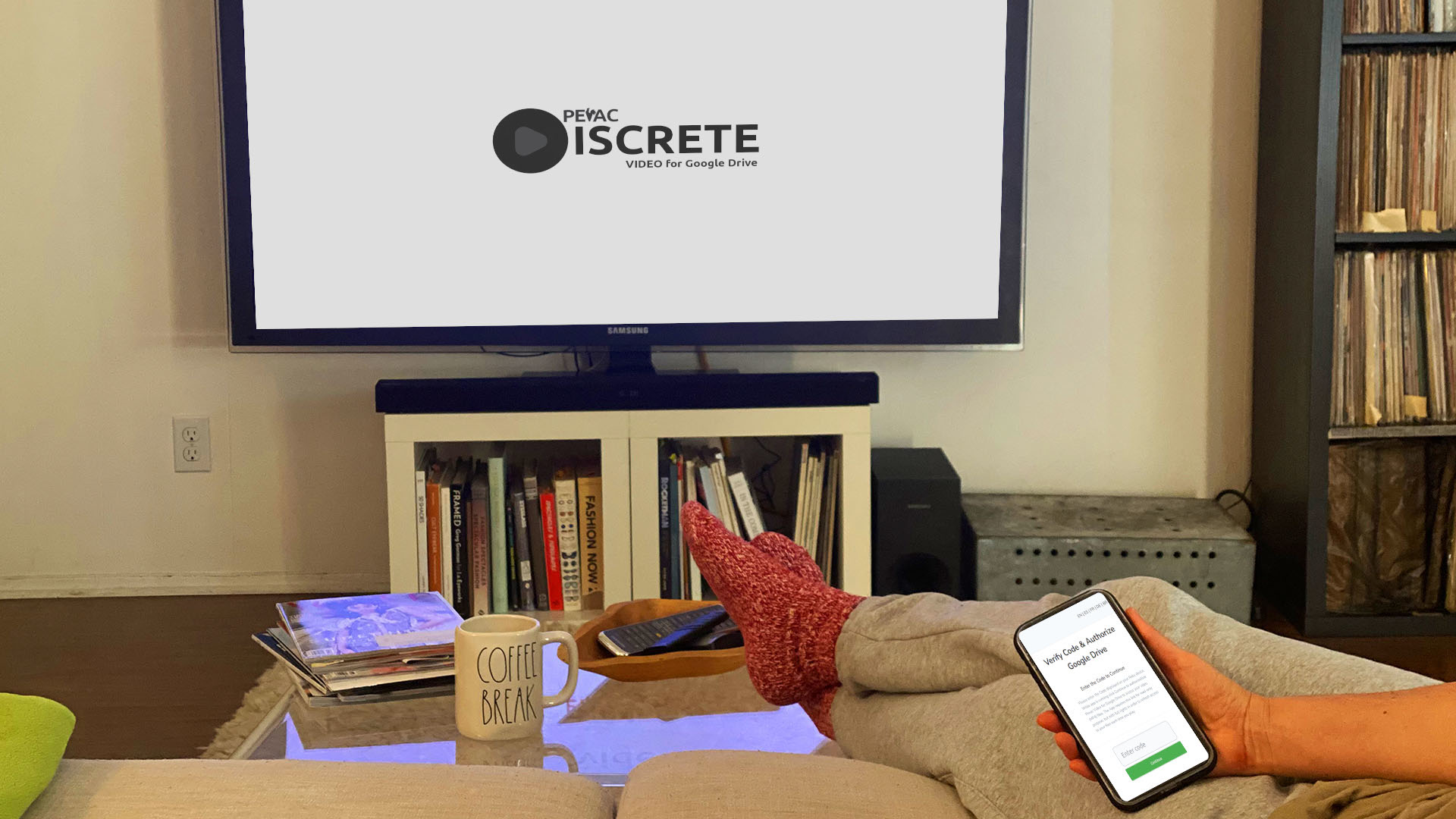
In an increasingly digital landscape, privacy and control over our personal media are paramount. For those seeking a highly secure and private way to stream their video content from Google Drive to their Roku devices, Discrete Pevac Video Drive emerges as a standout solution. This specialized offering by PeVaC DevOps provides a level of discretion and security that goes beyond standard cloud streaming apps.
Discrete Pevac Video Drive is designed for users who prioritize keeping their personal videos, presentations, or sensitive commercial content private and meticulously organized. It leverages the robust infrastructure of Google Drive while ensuring that only designated content is accessible through your Roku, maintaining a clear separation from the rest of your cloud files.
What Makes Discrete Pevac Video Drive “Discrete”?
The “Discrete” in its name signifies several key features that set it apart:
Dedicated “Pevac” Folder Access: Unlike standard integrations that might scan your entire Google Drive, Discrete Pevac Video Drive only accesses videos located within a specific, dedicated folder named “Pevac” (or subfolders within it) in your Google Drive. This compartmentalization ensures that your sensitive or non-video content remains completely hidden and untouched by the application.
Enhanced Privacy and Control: By limiting access to a single, designated folder, users gain granular control over what content is exposed to the Roku application. This is ideal for sharing specific family videos with less tech-savvy relatives, showcasing a private portfolio, or delivering business presentations without inadvertently exposing other cloud files.
Google CASA Tier 3 Certified Security: Perhaps the most significant differentiator is that Discrete Pevac Video Drive has successfully passed Google’s stringent Critical Assessment and Security Amendment (CASA) Tier 3 assessment. This independent, rigorous audit by a Google-authorized third-party security lab verifies the application’s adherence to the highest standards of data security and privacy. For users, this means exceptional confidence that their video content and Google Drive connection are handled with utmost care and protection against vulnerabilities.
Supports Common Video Formats: Discrete Pevac Video Drive is compatible with widely used video formats, including MP4, MKV, and WEBM, ensuring that most of your cloud-based video library can be seamlessly streamed.
Seamless Roku Integration: The service consists of a Roku app and a companion Google Cloud web app, providing a smooth and reliable bridge between your Google Drive and your Roku device.
Customizable Playlists and Features: Beyond its core discretion, Pevac includes features like the ability to create up to five custom playlists, star favorite videos for quick access, and supports video captions (where caption files are named similarly to the video file). Voice control via Roku Voice Remotes is also supported for hands-free navigation.
Optimized for Google Drive Limitations: The application is designed to function efficiently within Google Drive’s daily bandwidth limitations (e.g., 750 GB per day for most users). While Google Drive is not a Content Delivery Network (CDN), Pevac optimizes its usage to provide a smooth streaming experience.
Ideal Use Cases for Discrete Pevac Video Drive:
Family Video Sharing: Share curated family videos with relatives without exposing your entire Google Drive.
Business Presentations & Collaborations: Deliver professional video presentations securely, ensuring only the relevant content is accessible during meetings or remote collaborations.
Digital Signage: Create private, dynamic digital signage displays by looping specific videos from a controlled Google Drive folder.
Personal Video Archives: Enjoy your meticulously organized personal video collection on the big screen with enhanced privacy.
Getting Started with Unparalleled Privacy
The process for setting up Discrete Pevac Video Drive mirrors the ease of other Pevac offerings, with a crucial initial step:
Add the Channel: Find “Discrete Pevac Video Drive” in the Roku Channel Store and add it to your Roku device.
Authorize Securely: Follow the on-screen instructions on your Roku to initiate the secure authorization process with your Google account. This process, reinforced by the CASA Tier 3 certification, ensures a robust connection.
Organize Your Content: Crucially, ensure your desired video files (MP4, MKV, WEBM) are placed within a folder named “Pevac” (or its subfolders) in your Google Drive. This is the only content Discrete Pevac Video Drive will access.
Start Streaming: Enjoy your private video library on any Roku device linked to your Roku account.
For users who value privacy, control, and certified security in their cloud video streaming, Discrete Pevac Video Drive offers a compelling and robust solution, transforming your Roku into a trusted portal to your carefully managed Google Drive video content.
Leave a Reply
You must be logged in to post a comment.